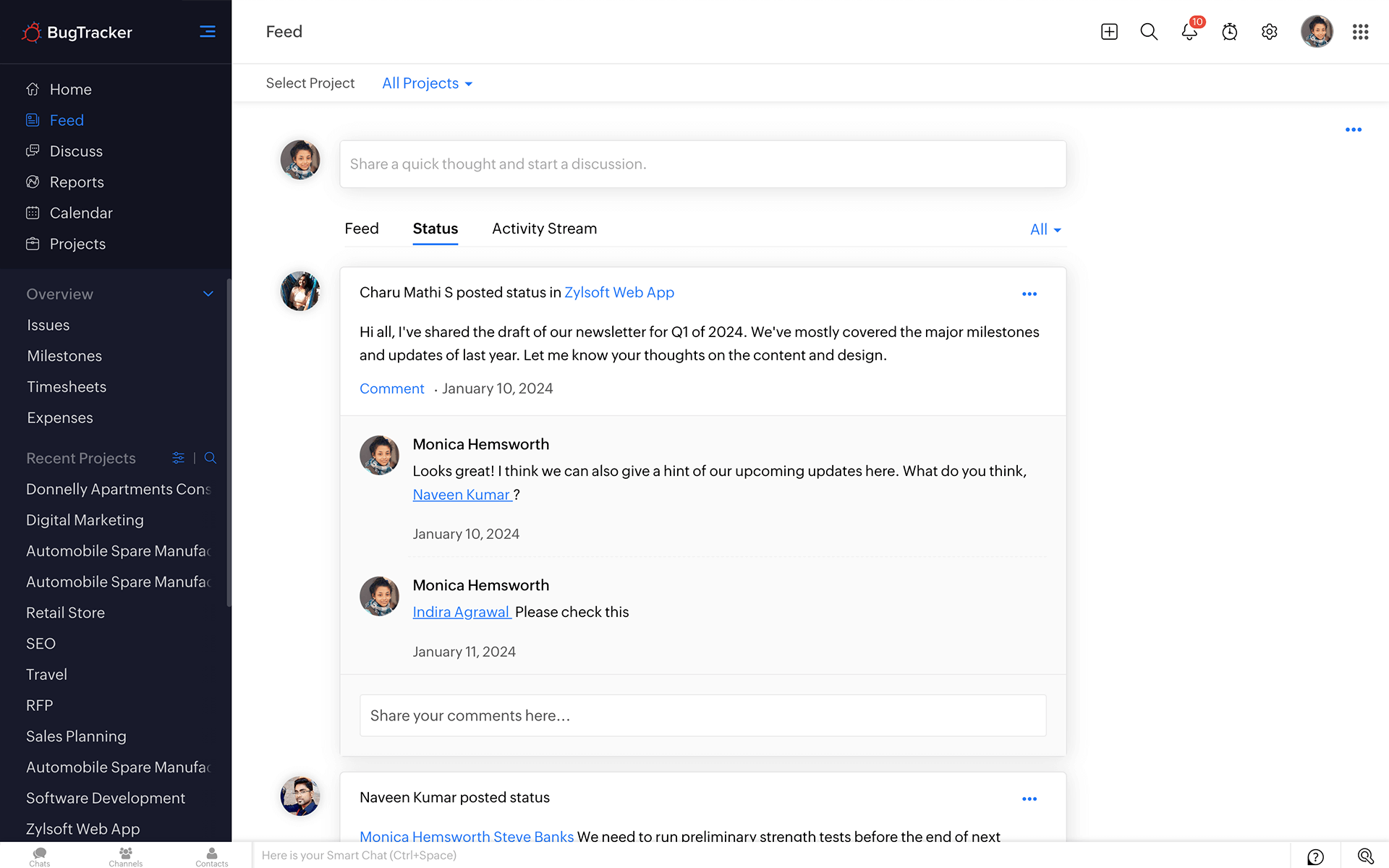
Debate, decide, and deliver with Forums.
Keep everyone on the same page. Start new discussions, share project updates with your team, comment on their ongoing conversations, and stay on track with your project. Substantiate your comments with attachments, and organize topics in folders.

Know what's viral and vital with News Feed.
Have a bird's eye view of the latest updates about your project in your news feed. Get a brief overview of how your project is progressing, and get a visually appealing bug status report in your dashboard. Customize your dashboard by choosing only the elements you want.
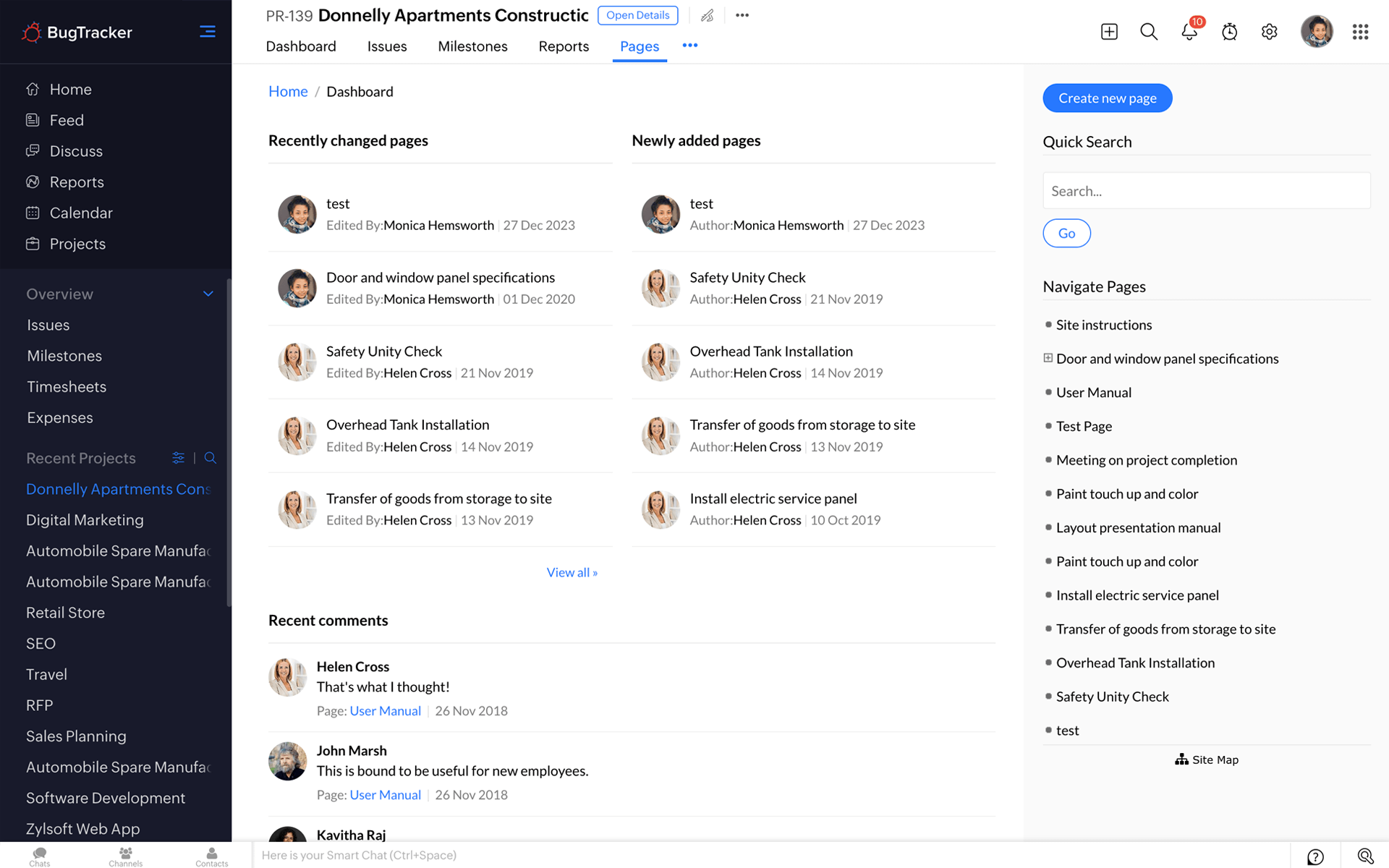
Maintain your own wiki with Pages.
Create, share, and discuss project-related content. Build a smart knowledge base by having your own knowledge repository for your projects.
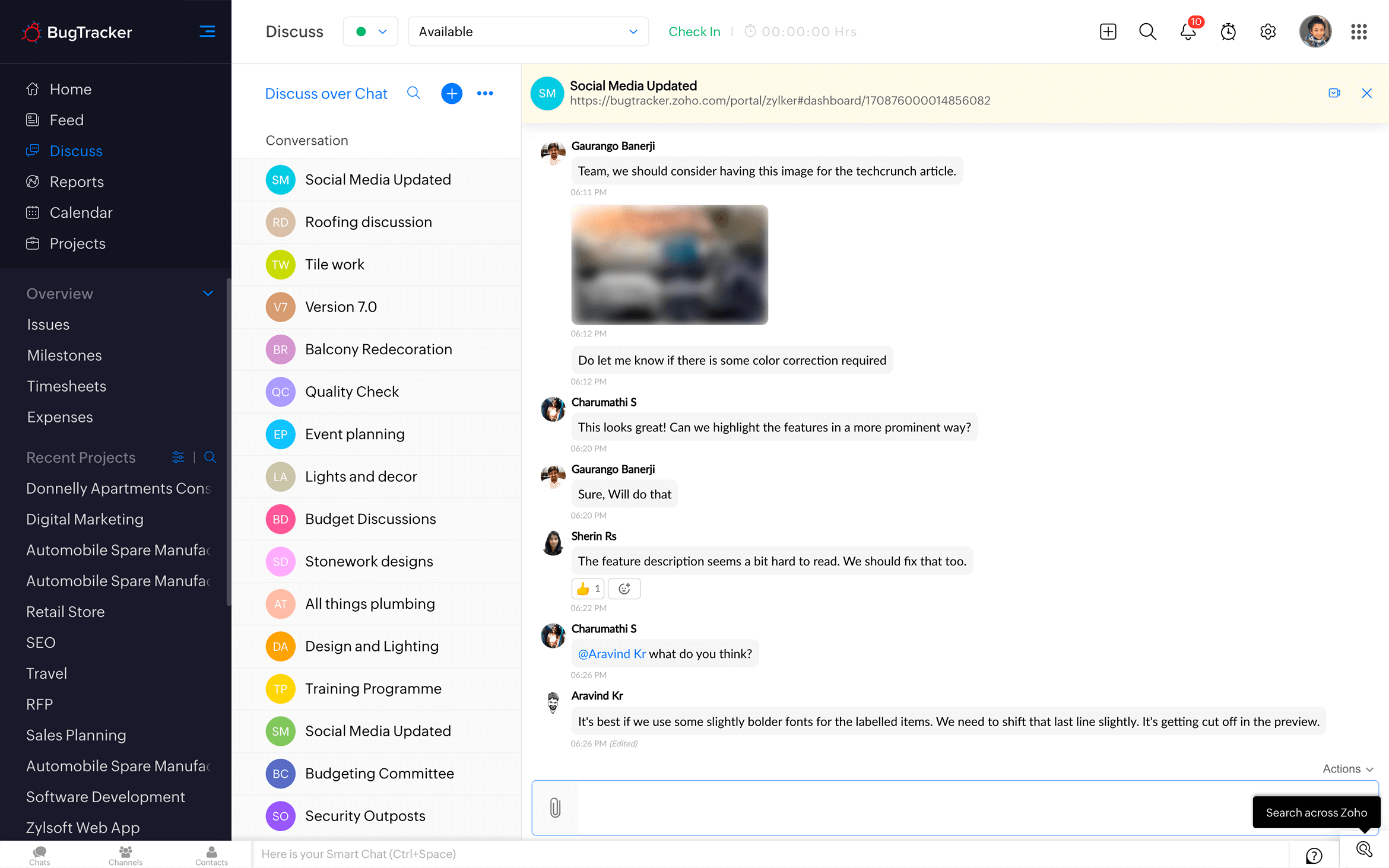
Use Chat to interact in real time.
Have one-on-one discussions, invite participants to a closed group chat, or start public chat rooms for your virtual brainstorming sessions.
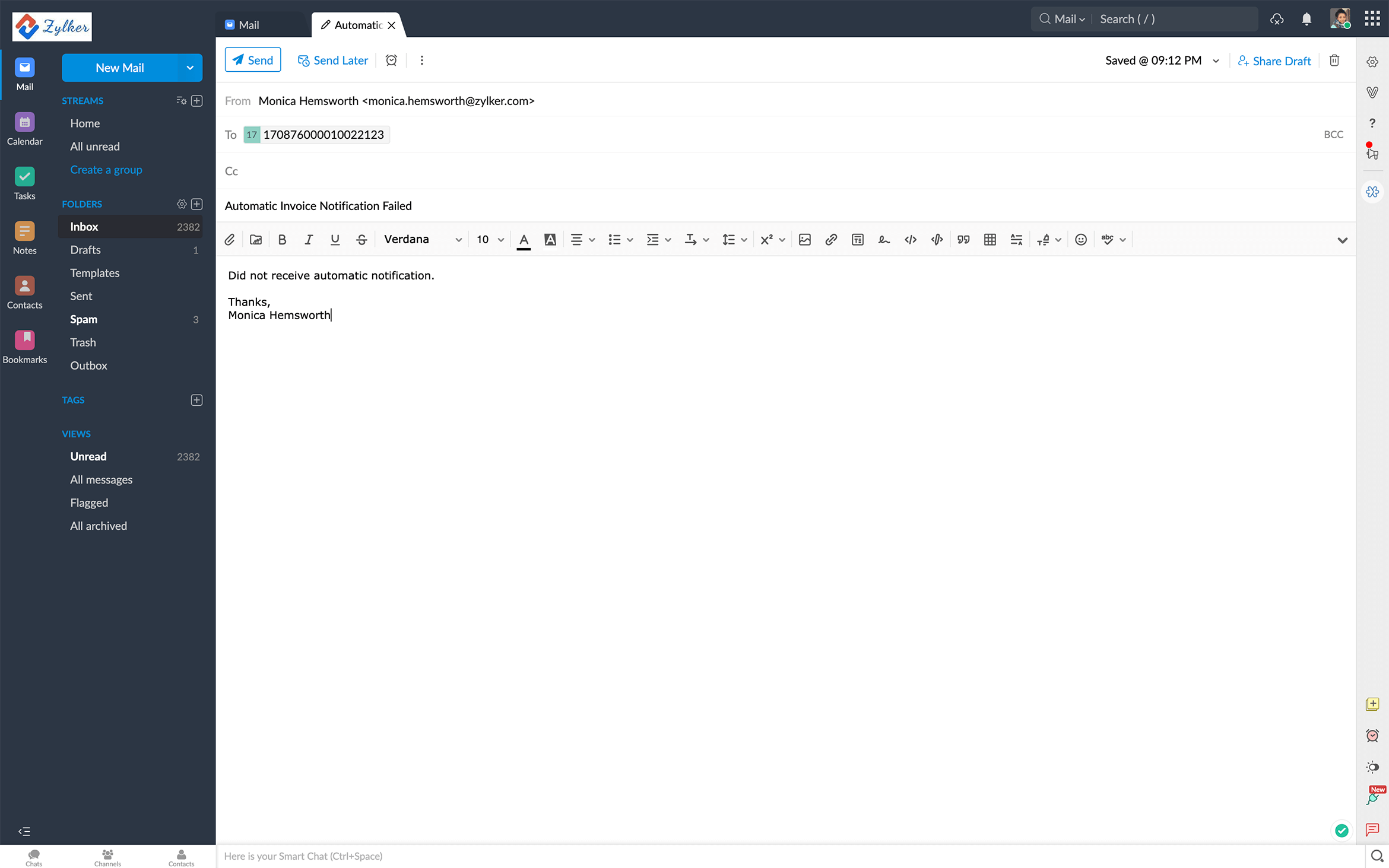
Collaborate over email.
File bugs, post comments in forums, attach files, upload documents, and more through your project email aliases. You can also configure your personal email server to receive a copy of all notifications from BugTracker.