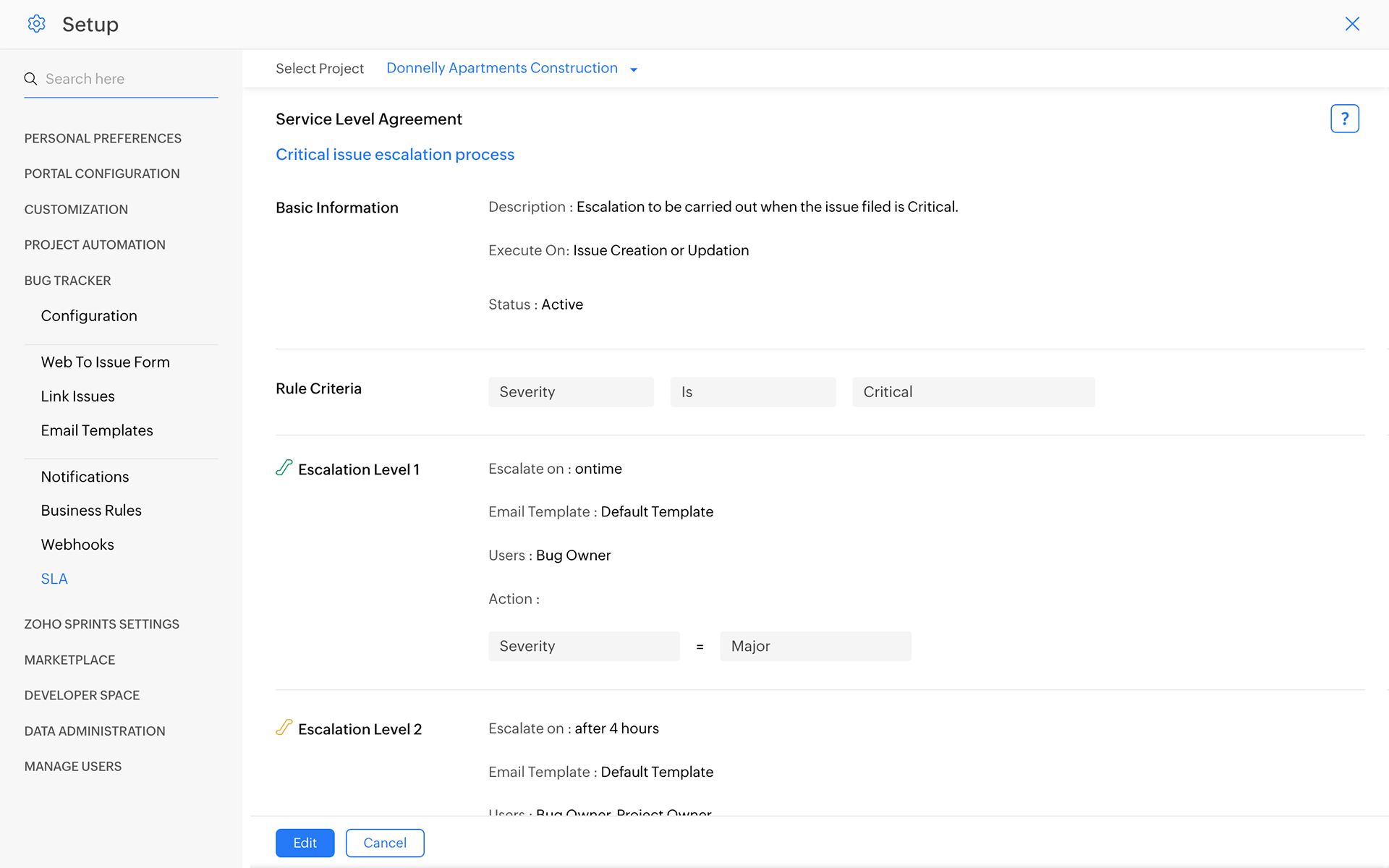
Keep everyone informed.
Trigger email notifications to users for various events like when a bug is created, assigned, or resolved. Simply set the notification patterns for your bugs, and you’re done!
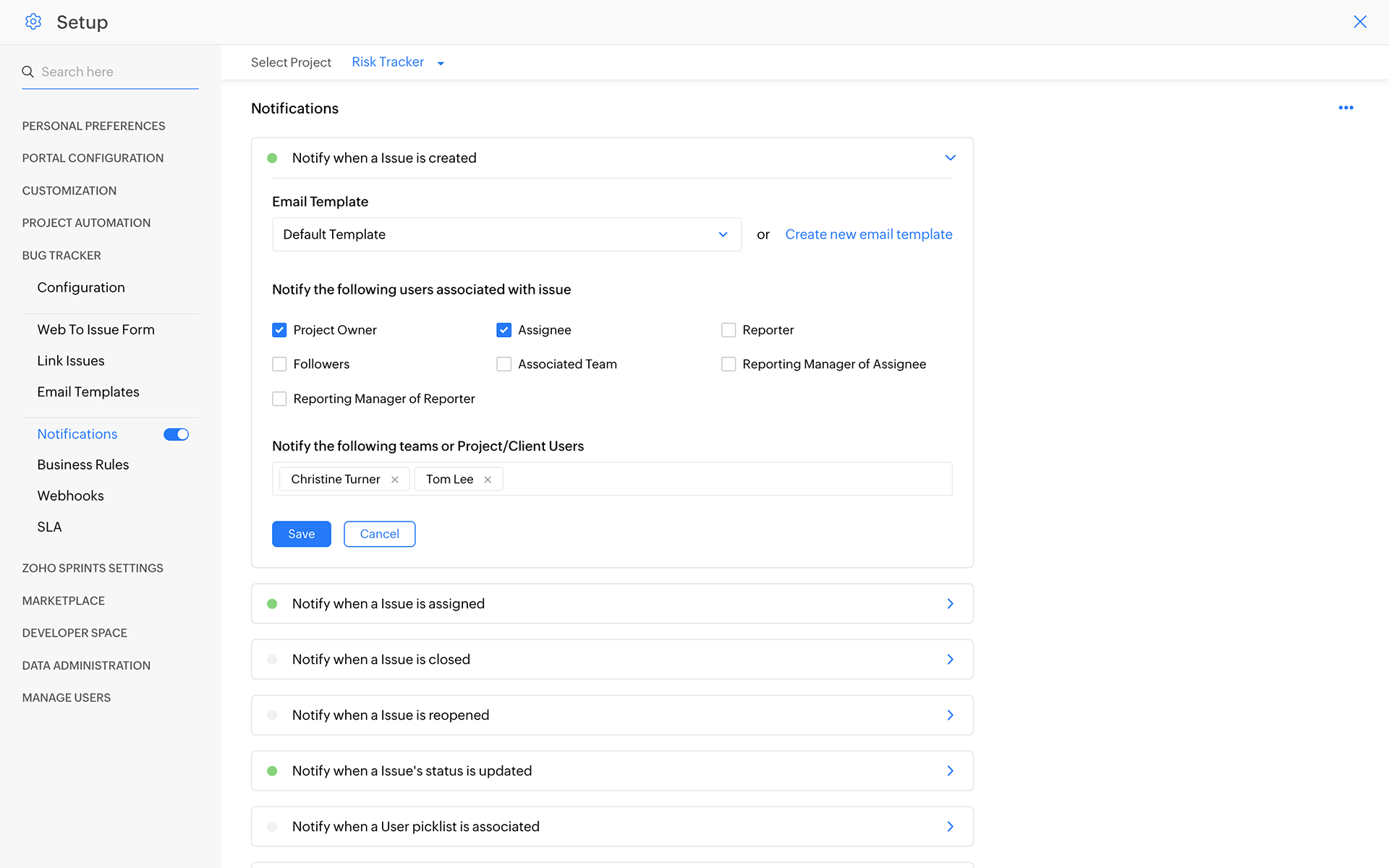
Define business rules.
Build a library of rules to automatically perform a set of actions like changing the severity of a bug, or assigning it to a user. Define when the rules get triggered, and you're all set.
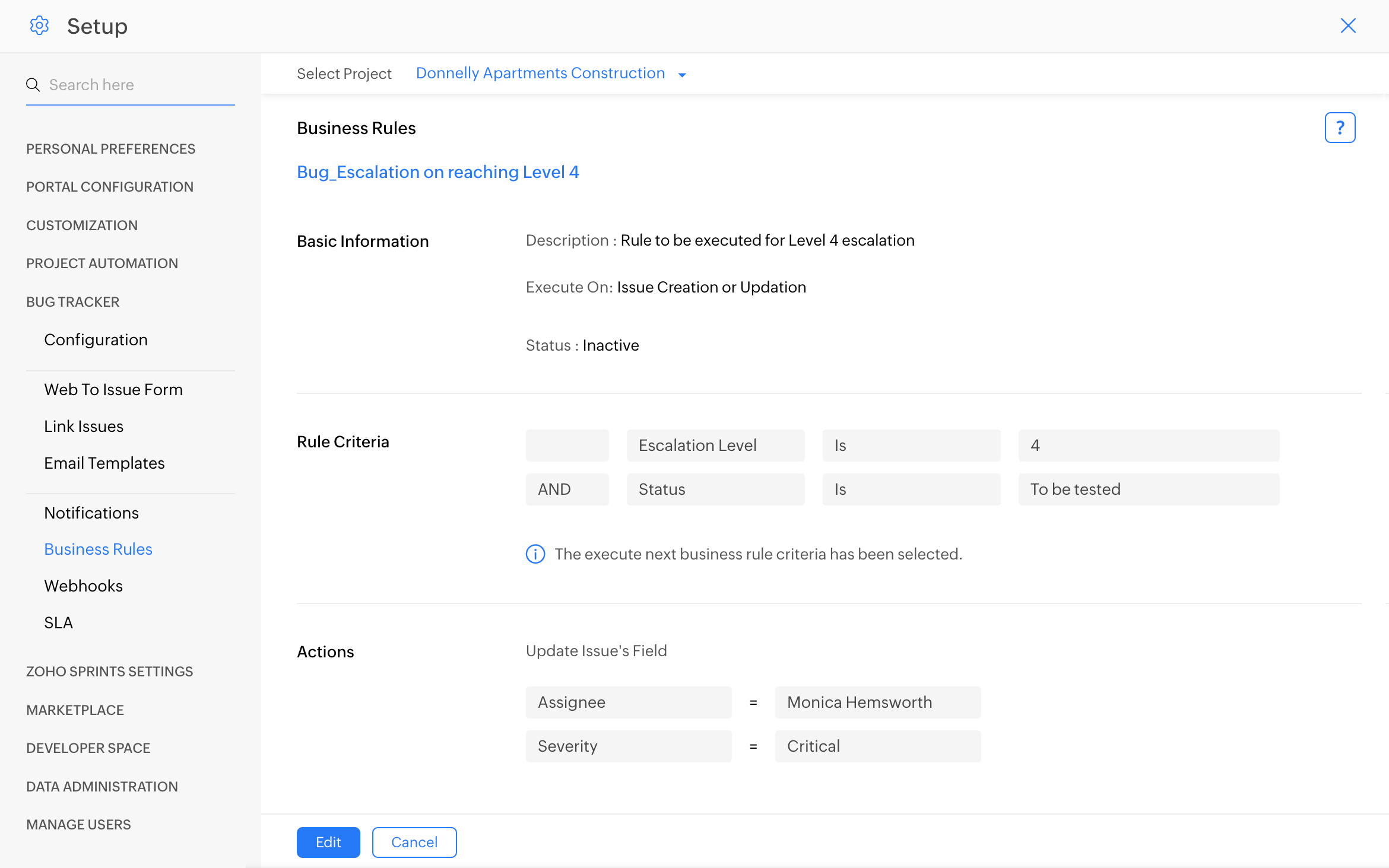
Power up your notifications with Webhooks.
Send an SMS notification, push a message in Slack, or notify any third-party application with Webhooks. Configure the rules when a webhook should be called - for instance, when a closed bug is reopened or a critical bug is unresolved past the due date. Learn more about Webhooks here.
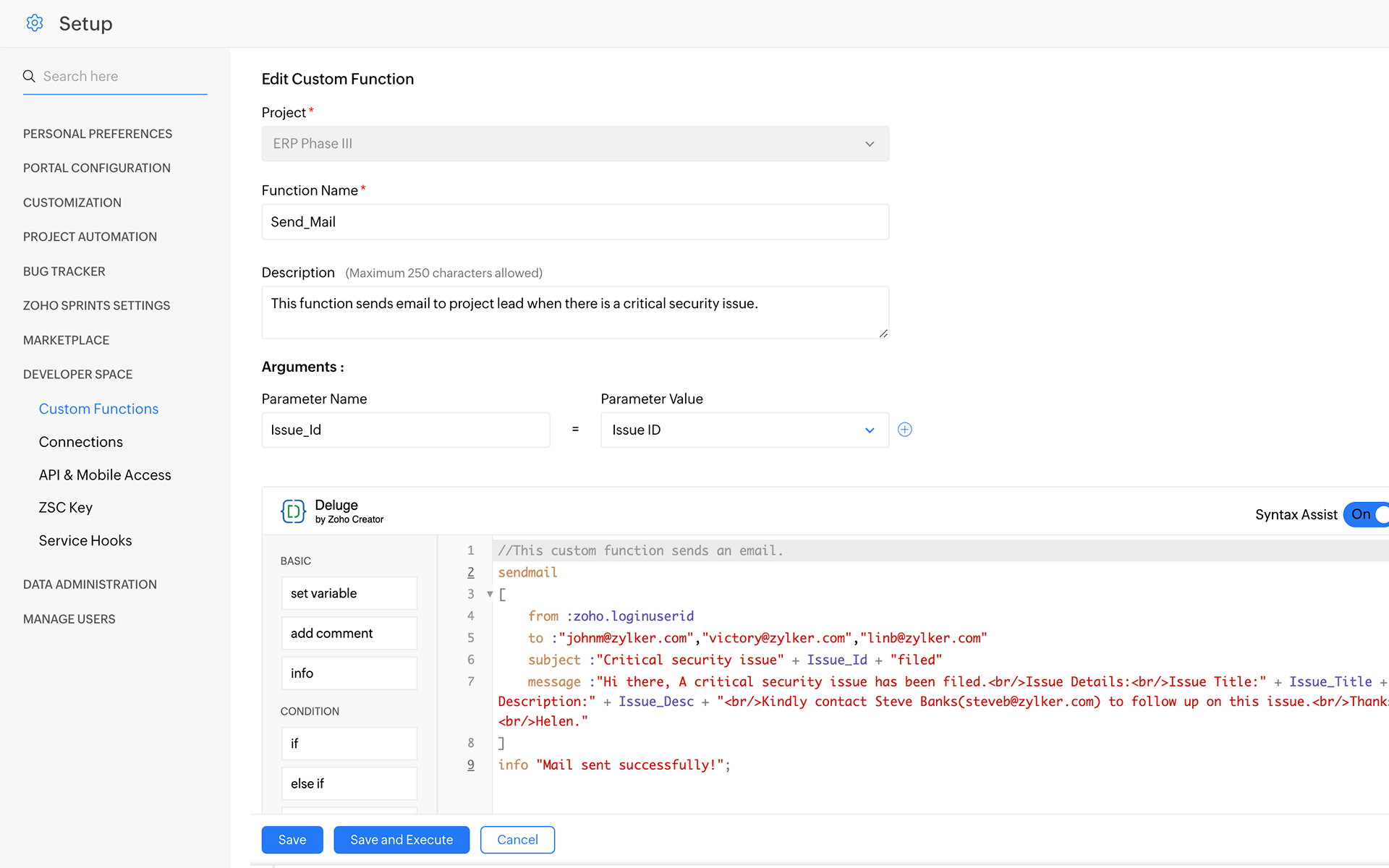
Automate processes with Custom Functions.
Sometimes you need more than just a notification. For instance, once an issue is escalated to the highest level, you might want to automatically assign it to the manager, notify the manager via SMS, add a comment to the issue and email the customer that the issue is being resolved. Custom functions let you automate notifications, call webhooks and perform any logic once a rule is triggered.
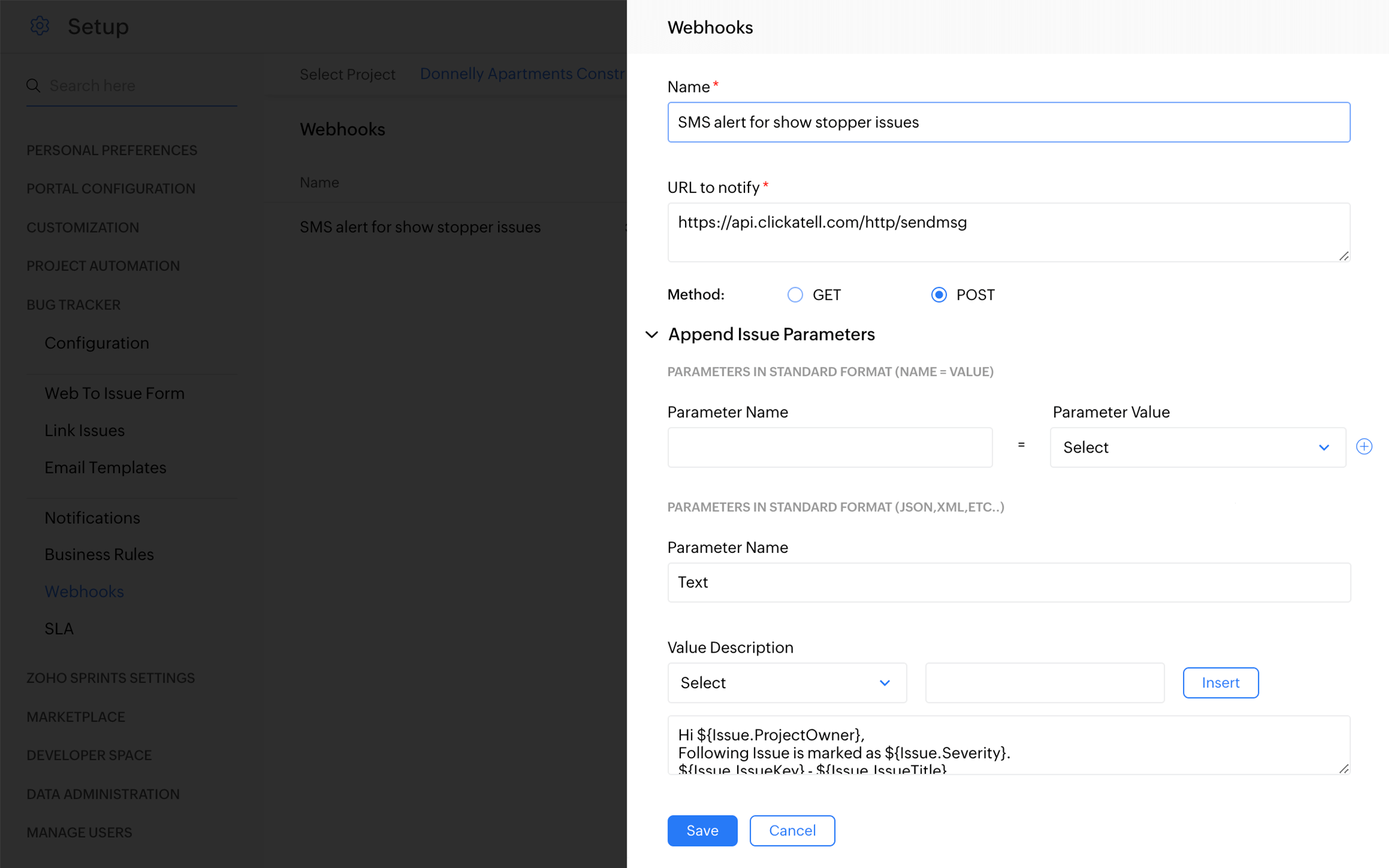
Automate your SLAs.
Meet business-specific conditions with SLA Automation. Define targets that you are aiming to reach, specify who and when to escalate, and make sure your guarantees are never broken.
Learn more